What image models are genuinely good for
Image generators are at their best when the picture is a means to a decision rather than the final product. A creative team that can see twenty visual directions in an afternoon makes a better choice about which one to shoot or commission.
- Concept exploration. Mood boards, visual territories and art direction references before a shoot.
- Storyboards and animatics. Rough frames that help a client or team agree a sequence. See storyboarding.
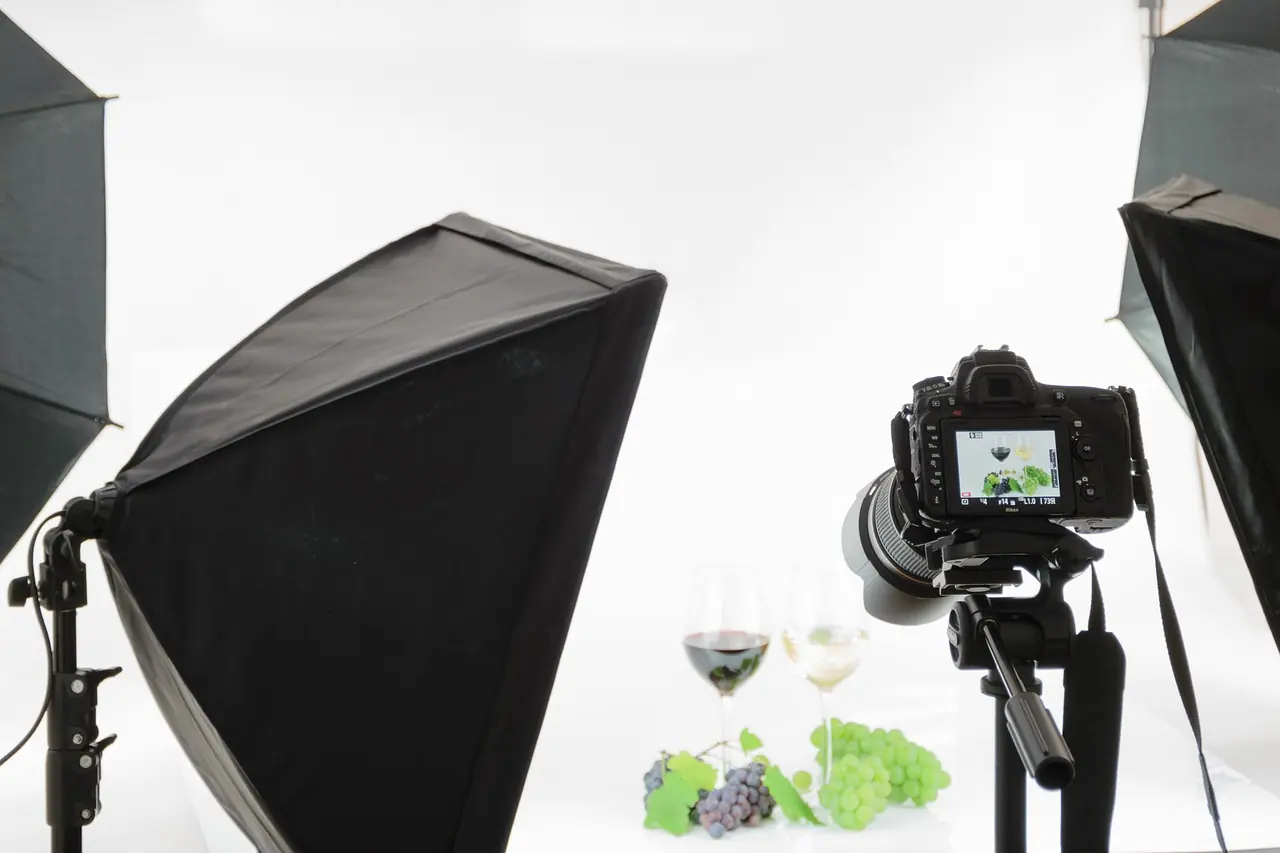
- Backgrounds and settings. Environments behind real product photography, composited by a designer.
- Variations for testing. Alternative compositions or colourways of an approved concept for ad tests.
- Internal communication. Illustrating a presentation or a strategy document where polish is not critical.
Notice what is missing: your logo, your exact product, real people's faces and anything legally sensitive. Those are where image models are weakest and the brand is most exposed.
Where AI images put brands at risk
Fig. 01 · Matrix
Tap to explore
Where AI images fit
Product accuracy
Generators approximate. Labels come out garbled, proportions shift, details are invented. For anything a customer might buy based on the image, an inaccurate depiction can mislead and may breach advertising rules. Use real product photography for the product itself. Our guide to ecommerce product photography covers that side.
Rights and ownership
Whether AI-generated images can be owned, and what the training data means for their use, varies by jurisdiction and is still being settled. Read the terms of any tool you use, prefer tools that state how their training data was licensed, and take legal advice for high-value or long-lived assets such as campaign key visuals or brand mascots.
Likeness and imitation
Never generate images that depict or resemble real people without their consent, and do not prompt in the style of a named living artist or another brand's identity. Beyond legal risk, it is the kind of shortcut audiences notice and remember.
Bias and representation
Image models often default to narrow stereotypes of gender, skin tone, age and body type. Review every image for who is shown, how and in what role. Specify diversity deliberately in prompts, and check that it reads as authentic rather than tokenistic.
Keeping AI images on-brand
The biggest practical challenge is consistency. A brand has a defined colour palette, typography, photographic style and tone. Image models drift between generations, which is charming for exploration and frustrating for a campaign.
- Write a visual prompt guide. Translate your brand guidelines into reusable prompt language: lighting, palette, composition, mood, what to avoid.
- Use reference images where tools allow. Approved past work is a stronger guide than words.
- Add brand elements afterwards. Logos, type and exact colours should be applied by a designer in design software, not generated.
- Keep a gallery of approved outputs. It becomes the reference for future work and shows the team what good looks like.
Let the model paint the scenery; let designers place the brand.
Writing image prompts that behave
Image prompts reward specificity in a different way from text prompts. Vague mood words produce generic stock-like results; concrete visual instructions produce usable directions. Think like an art director briefing a photographer.
- Subject and action. What is in the frame and what is happening. 'A woman in her fifties checking a parcel at her front door' beats 'happy customer'.
- Setting and context. Place, time of day, season, culture. Specify local context deliberately; defaults often skew towards a narrow set of settings.
- Light and lens. Soft window light, overhead midday sun, shallow depth of field, wide angle. These shape mood more than adjectives do.
- Palette and texture. Name colours from your brand palette in plain terms, and the texture you want: matte, grainy, clean.
- Composition and space. Where the subject sits and where empty space is needed for copy or a product to be added later.
- Exclusions. No text, no logos, no hands in frame, no recognisable landmarks: whatever creates rework or risk.
Save the prompts that produced approved images alongside the images themselves. Over time, this becomes the most practical part of your visual prompt guide.
A production process for brand images
Fig. 02 · Process
Tap to explore
From prompt to published image
The log in step six sounds bureaucratic until someone asks where an image came from. Recording the tool, date, prompt and approver for every published image takes seconds and answers questions from legal, platforms or customers months later.
Disclosure and platform rules
Some advertising platforms and jurisdictions require or encourage labelling of synthetic or significantly altered imagery, particularly for realistic depictions of people or events, and for political or social issue advertising. These rules change, so check current platform policies and local advertising standards before publishing. When in doubt, disclose; audiences forgive honesty more readily than discovery.
Self-diagnostic
0/6Is this AI image safe to publish?
Run through these before any AI-generated image goes public.
01Does the image show your actual product accurately, or no product at all?
If yes: Proceed to the next check. If no: Replace the product with real photography before use.02Is it free of real or recognisable people, and of other brands' marks?
If yes: Good. Keep checking backgrounds and small details. If no: Do not publish. Regenerate or use licensed imagery.03Has someone checked it for stereotypes or exclusion?
If yes: Note who reviewed it. If no: Review who is depicted, how and in what role.04Do the tool's terms allow commercial use of the output?
If yes: Keep a copy of the terms with your records. If no: Do not use it commercially.05Have platform and local disclosure rules been checked?
If yes: Apply labels where required. If no: Check current policies before publishing.06Is the tool, prompt and approver recorded?
If yes: Your audit trail is in place. If no: Log it now; it takes seconds.
What this means for creative teams
Image generation changes the economics of exploration, not the value of craft. Art direction, photography, illustration and design judgement matter more when anyone can produce a passable picture, because passable is now the baseline. The brands that stand out will be the ones whose images look like nobody else's.
Practically, that means using generators to reach a strong idea faster, then investing in the execution. For the moving-image equivalent see AI video tools, and for the wider risk picture see AI and brand safety.
Checklist
0/8Setting up AI image use in your team
Key takeaways
- 01AI image generation is strongest for exploration, storyboards, backgrounds and test variations.
- 02Use real photography for products and people; generators approximate details and risk misleading customers.
- 03Rights, likeness and bias need written rules, and high-value assets need legal review.
- 04Apply logos, typography and exact colours in design software rather than generating them.
- 05Log the tool, prompt and approver for every published image, and check disclosure rules per platform.
Frequently asked
- Can brands use AI-generated images commercially?
- Often yes, depending on the tool's terms of service and local law. Read the terms of each tool, prefer tools that are clear about how their training data was licensed, and take legal advice for high-value or long-lived assets. Ownership and copyright of AI images are still being settled in many jurisdictions.
- Should I use AI images for product photos?
- Generally no for the product itself. Image models alter details, labels and proportions, which can mislead customers and breach advertising standards. A sensible approach is real product photography composited onto AI-generated backgrounds or scenes, with a designer controlling the final result.
- How do I keep AI images consistent with my brand?
- Write a visual prompt guide based on your brand guidelines, use approved reference images where the tool allows, keep a gallery of approved outputs and add logos, typography and exact colours in design software afterwards. Expect to select and refine rather than accept first results.
- Do AI-generated images need to be labelled?
- Some platforms and jurisdictions require or encourage labels for synthetic or significantly altered images, especially realistic depictions of people, events or issue-based advertising. Rules change frequently, so check current platform policies and local advertising standards before publishing, and disclose when unsure.
- What are the main risks of AI images for brands?
- The main risks are inaccurate product depiction, unclear rights, resemblance to real people or other brands, stereotyped representation and off-brand inconsistency. Each is manageable with written rules, designer involvement, a review step and a simple log of how each published image was made.
Published by Fabulous.Media, a network of specialist marketing agencies. Updated 9 October 2026. Platform features change often; check current official documentation before acting on platform-specific detail.