What live adds that recorded video cannot
Live video is less polished, harder to control and riskier than recorded video. Brands use it anyway because it offers three things nothing else does: the sense of an event happening now, a two-way conversation with the audience, and evidence that there is nothing to hide.
If a stream does not use at least one of those, it should probably be a recorded video. A product announcement read from a script, with comments switched off, is a recorded video broadcast at an inconvenient time. Live earns its risks only when it uses its strengths.
When live is worth it
Fig. 01 · Matrix
Tap to explore
Choosing live or recorded
Formats that work
- Live Q&A or ‘ask me anything’. An expert or founder answers audience questions. Simple to run, high trust. Pairs well with founder-led content.
- Launches and announcements. The moment itself is the content; interaction adds energy.
- Live shopping. Products demonstrated with questions answered in real time, often with offers. Platform support varies by market; see social commerce.
- Events and conferences. Streaming sessions extends reach beyond the room.
- Behind the scenes. Production, preparation, a day at a location. Builds familiarity.
- Recurring shows. A regular slot with a consistent format builds habit, which is the main way live audiences grow.
The setup: match it to the format
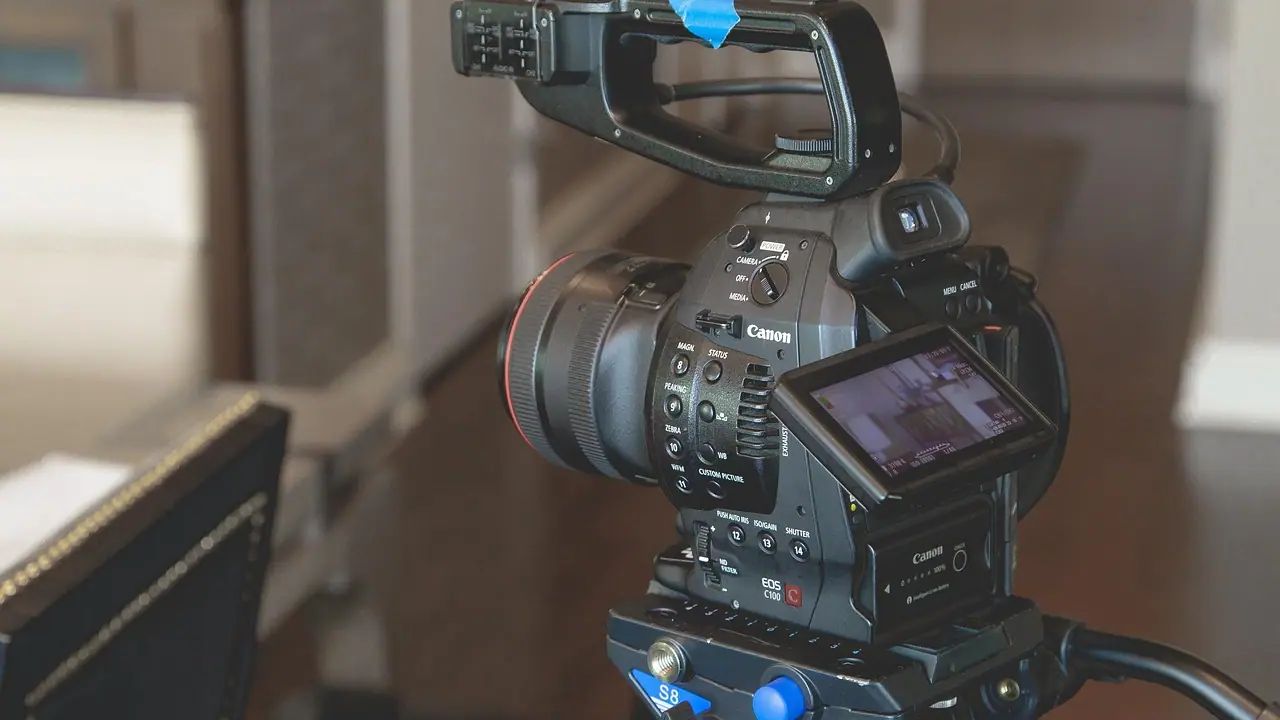
A live Q&A can run from a phone with a good microphone and a stable connection. A multi-camera launch with guests and graphics needs streaming software, an encoder, a switcher operator and redundancy. Choose the simplest setup that serves the format, because every added component is something that can fail live.
- Connection first. A wired connection is more reliable than Wi-Fi. Test upload speed at the venue, at the time of day you will stream. Have a backup, such as a mobile hotspot.
- Sound second. Viewers tolerate imperfect picture far more than bad audio. Use proper microphones.
- Light third. Even light on faces from the front; avoid bright windows behind speakers.
- Graphics and overlays for names, topics and calls to action, prepared in advance.
- A private test stream on the actual platform before going public.
Platforms differ in streaming features, length limits, guest options and whether streams can be simulcast elsewhere. These change frequently; check current documentation for each platform you plan to use.
Running the show
Fig. 02 · Process
Tap to explore
A live stream run of show
Viewers join late and leave early in live streams. Recap the topic periodically for newcomers, and segment the content so someone arriving midway can follow. Read audience names and questions aloud; recognition is a big part of why people participate in live.
Building a live audience over time
Live audiences rarely arrive for a first stream. They grow through habit. A recurring slot, at the same time, with a consistent format and host, gives people something to remember and return to. One-off streams depend entirely on promotion; series build on themselves.
- Schedule streams in advance on the platform so followers get reminders, and share the link through email and messaging channels where you have consent.
- Name the show and keep its format recognisable: the same opening, segments and sign-off.
- Invite guests with their own audiences, such as partners, customers or creators, who will promote their appearance.
- Use the chat as a content source. Questions asked live become the topic of the next episode.
- Promote the recording, not just the live moment. Many people will only ever see the replay.
Measure the series, not the episode. Track live peak viewers, average watch time, questions asked and replay views across several episodes, and look for direction rather than single results. The measurement principles in video marketing metrics apply.
Roles
| Role | Responsibility | Can it be combined? |
|---|---|---|
| Host | Presents, keeps energy and structure | With a guest role, rarely with anything else |
| Producer | Run of show, timing, cues to host | With technical operator for small streams |
| Technical operator | Cameras, audio, graphics, stream health | With producer for simple setups |
| Moderator | Chat, questions, removing abuse, links | Should be separate from the host |
Live shopping and selling live
Live selling combines demonstration, conversation and offer in one session. It works because buyers can ask the question that was stopping them, such as fit, size, how a feature behaves, and see it answered on the real product immediately. The host matters more than the set: someone who knows the products well, can demonstrate honestly and reads the chat fluently.
- Prepare the product order, key questions and honest answers in advance.
- Show products in use at real scale, not just on a table.
- Make the buying path simple and visible: the link, the code or the WhatsApp number.
- Make sure stock, offers and delivery promises are accurate before going live.
- Follow the same advertising rules that apply to recorded content; a claim made live is still a claim.
Because shopping features differ by platform and market and change often, check what each platform currently supports where your customers are. In markets where commerce runs heavily through messaging, a live session that ends with a clear route to a conversation can be as effective as an integrated checkout.
Moderation and risk
Live means you cannot edit what happens. Plan for what might go wrong: abusive comments, a guest who says something inaccurate, technical failure, a product demonstration that does not work. A short risk plan, agreed in advance, makes those moments manageable rather than damaging. Our page on social media crisis management covers escalation.
- Set up platform moderation tools and keyword filters before going live.
- Agree what the moderator removes, and what the host addresses on air.
- Brief guests on topics to avoid, especially claims about products, pricing or regulated matters.
- Prepare a holding screen and message for technical failures.
- In regulated categories, run claims past compliance in advance, as you would for recorded content.
Checklist
0/10Go-live checklist
Myth vs reality
Live streaming myths
After the stream
Trim the start and end, add accurate captions and chapters, and publish the recording where it will be found. Cut the strongest moments into short clips, and turn the questions asked into content ideas. The live moment builds relationship; the recording builds reach. Plan both. See webinar marketing for the structured-event equivalent.
Key takeaways
- 01Live earns its risks only when it uses immediacy, interaction or transparency.
- 02Choose the simplest setup that serves the format; connection and sound matter most.
- 03Separate the host from the moderator and plan for what could go wrong.
- 04Recap for late joiners and recognise viewers by name; recurring shows build habit.
- 05Treat the recording as a second asset: caption it, chapter it and cut clips.
Frequently asked
- What is live streaming for brands?
- It is broadcasting video in real time on platforms such as YouTube, Instagram, LinkedIn or Facebook, or on a brand’s own site, so audiences can watch and interact as it happens. Brands use it for launches, Q&As, live shopping, events and behind-the-scenes content.
- What equipment do I need to live stream?
- For simple formats, a good phone, a quality microphone, even lighting and a stable wired or strong connection. Multi-camera productions need streaming software or an encoder, a switcher and an operator. Choose the simplest setup that serves the format.
- Which platform is best for live streaming?
- The one where your audience already spends time and where the platform’s live features suit your format. YouTube suits searchable recordings, LinkedIn suits professional audiences, and Instagram suits consumer brands. Features change, so check current platform documentation.
- How do you moderate a live stream?
- Assign a dedicated moderator separate from the host, set up platform moderation tools and keyword filters beforehand, agree what gets removed and what the host addresses, and have an escalation plan for serious issues or abuse.
- What should I do with a live stream recording?
- Trim it, add accurate captions and chapters, and publish it where people will find it. Cut the best moments into short clips for social, and use the audience questions as ideas for future content and FAQs.
Published by Fabulous.Media, a network of specialist marketing agencies. Updated 9 October 2026. Platform features change often; check current official documentation before acting on platform-specific detail.